
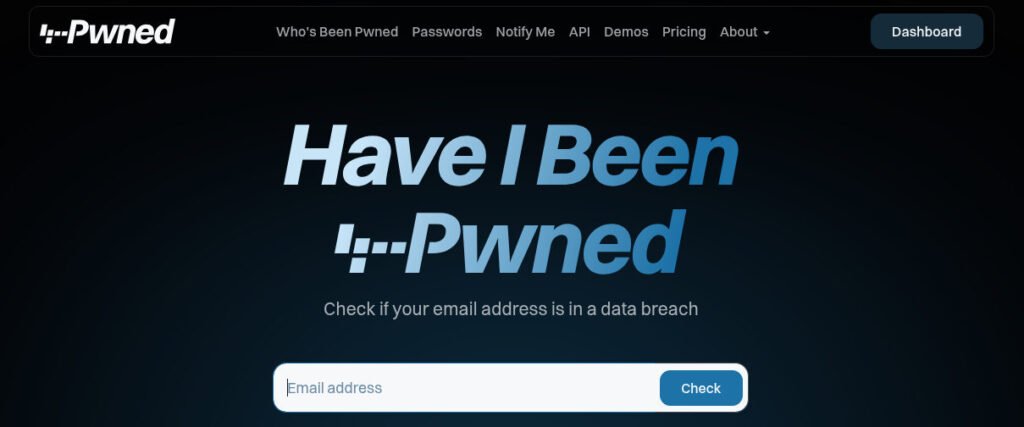
In our ongoing mission to escape the grasp of centralized surveillance and corporate data-harvesting, one of the most critical steps is maintaining clean, secure login credentials. If your accounts are compromised, your digital independence is threatened. A vital, straightforward tool for auditing your exposure is Have I Been Pwned.
Check Your Breach History
First, click the link above and head over to the main page and enter your primary email address. This will show you if your information has appeared in known data breaches.
Keep this in context: An email being flagged in a breach list isn’t necessarily a full-blown emergency. It often just means your email address was part of a database dump from a service you used years ago. However, it is an important “canary in the coal mine” that alerts you to services where your account may be vulnerable to credential stuffing.
The Risk: Email + Password
The real danger arises when a breach includes both your email address and your password. Check your password here. If you find that your credentials have been “pwned” in this manner, you must act immediately. At an absolute minimum, change that password for every account you use it on.
Pro-tip: But before you update your password, use the same Pwned Passwords feature to check if your new intended password has already appeared in a breach list. Nothing is worse than migrating to a new, compromised credential.
TYPE MY PASSWORD INTO SOME RANDOM WEB PAGE!??
This is a perfectly legitimate question. You should always be skeptical about such things. Security-conscious users often worry about inputting sensitive data into external sites. This site, Have I Been Pwned is designed with privacy in mind. It utilizes a technique called “k-Anonymity”: your browser performs the cryptographic hash calculations locally on your own machine. Only a portion of your hash is sent to the server for verification, ensuring your full, unmasked data is never exposed or transmitted.
What is a “cryptographic hash”?
Computers have long stored passwords as hashes. Your computer, right now, stores many of your passwords locally with this “hash”. A hash is a special cryptographic calculation that can only be done in one direction. For this site, “Have I been Pwned”, what happens is that your typed password never leaves your computer, but is turned into an irreversible series of random “hashed” characters. Only the first few characters are sent to the password checking site which returns ALL compromised hashes that have a match with the first few characters. Then your computer goes through that list to see if there are any matches with the full hash.
Take control of your footprint today. A few minutes of auditing could be the difference between a data-secure household and a compromised one.